Repository navigation
Take Android textShadowRadius in dp and draw a sharp shadow at 0 - #60284
Open
jkasprzyk17 wants to merge 1 commit into
Open
jkasprzyk17 wants to merge 1 commit into
jkasprzyk17 wants to merge 1 commit into
Conversation


textShadowRadius reached Paint.setShadowLayer in pixels while
textShadowOffset was converted from dp, so the blur did not scale with
the screen density. A radius of 0 with an offset removed the shadow
layer entirely, where iOS draws a sharp shadow.

Fixes react#60280
 meta-cla
Bot
added
the
CLA Signed
 facebook-github-tools
Bot
added
the
Shared with Meta

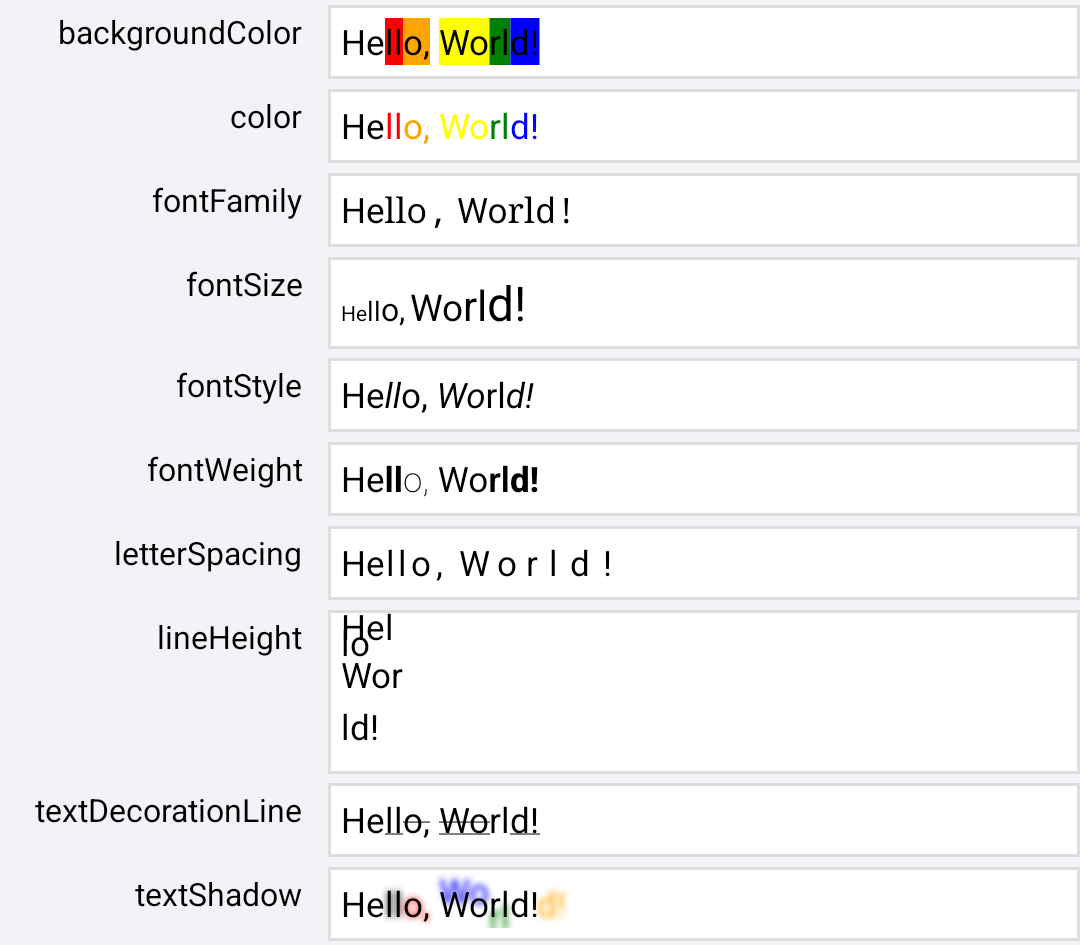
Visual regression6 visual difference(s) at ios: no capture android
|
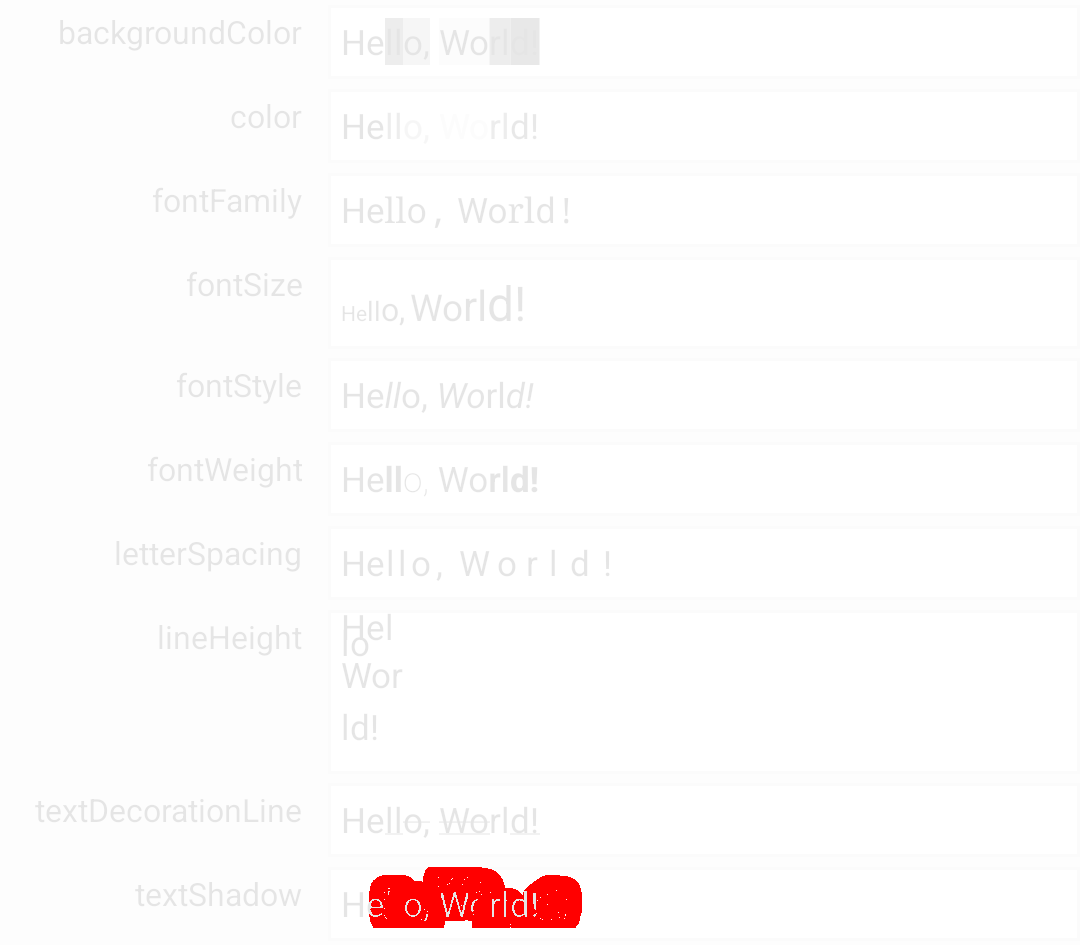
| Expected | Captured |
|---|---|
 |
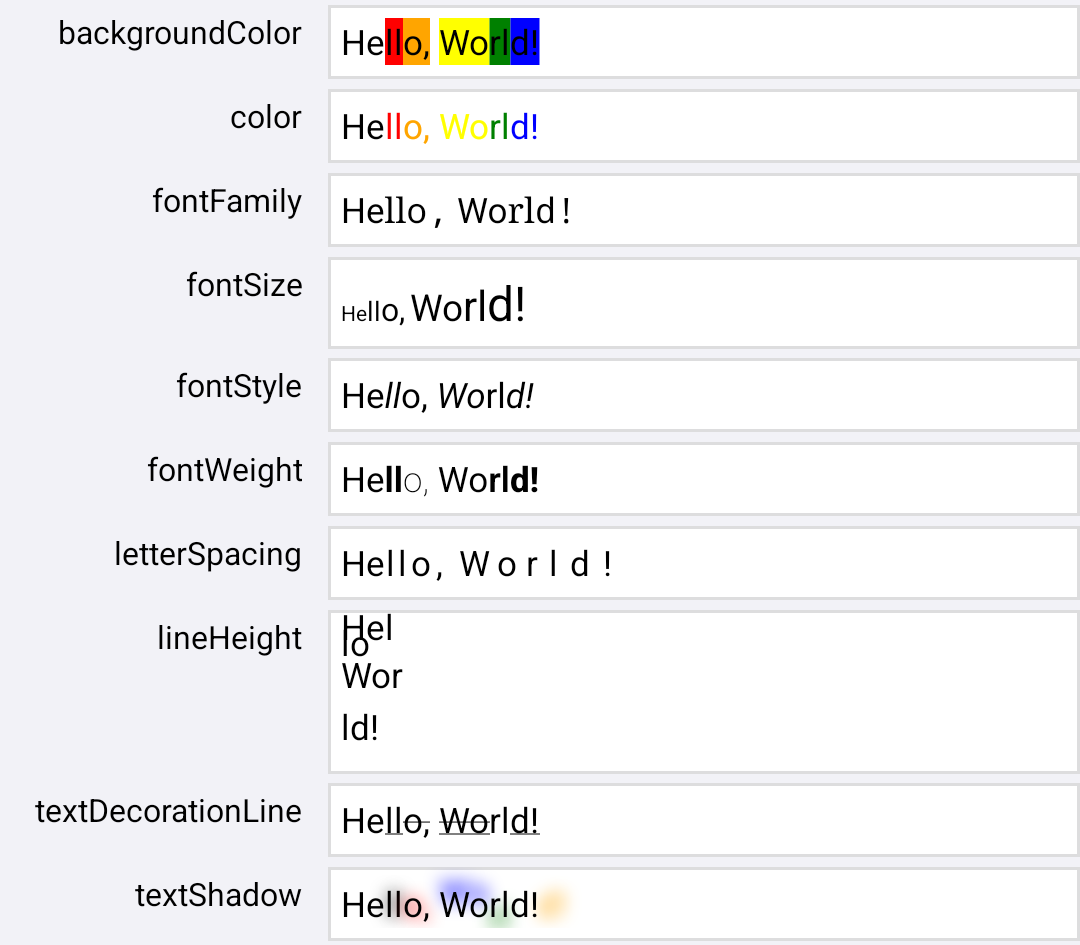 |
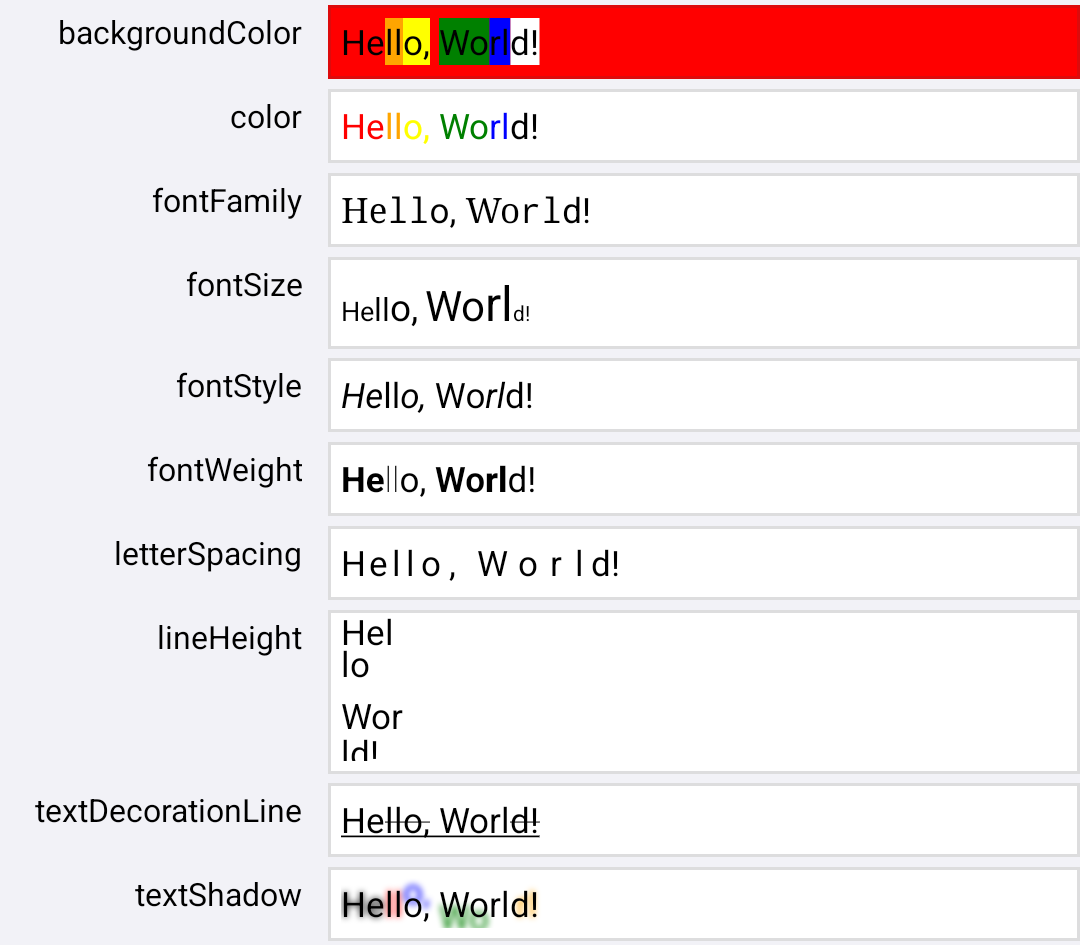
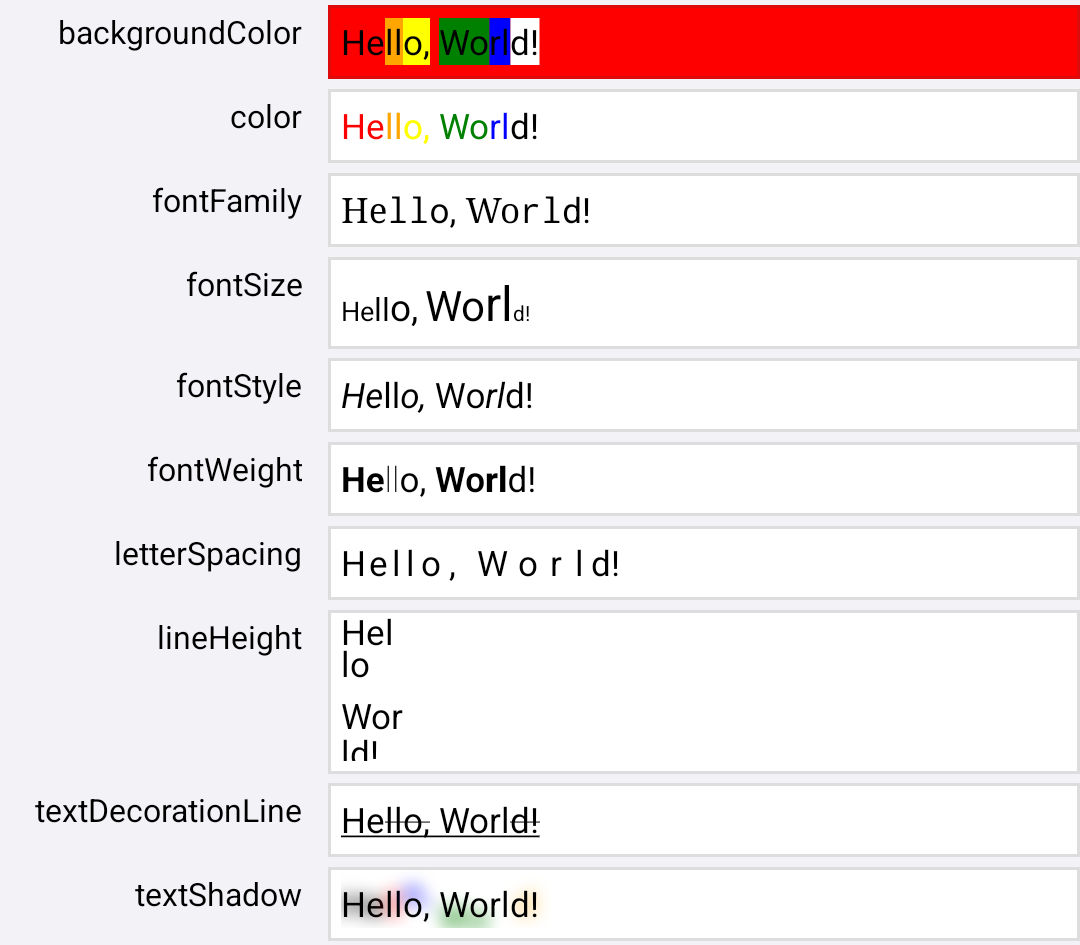
android text-input/text-styles/cycle-2: Changed, 9213 px (0.903%)
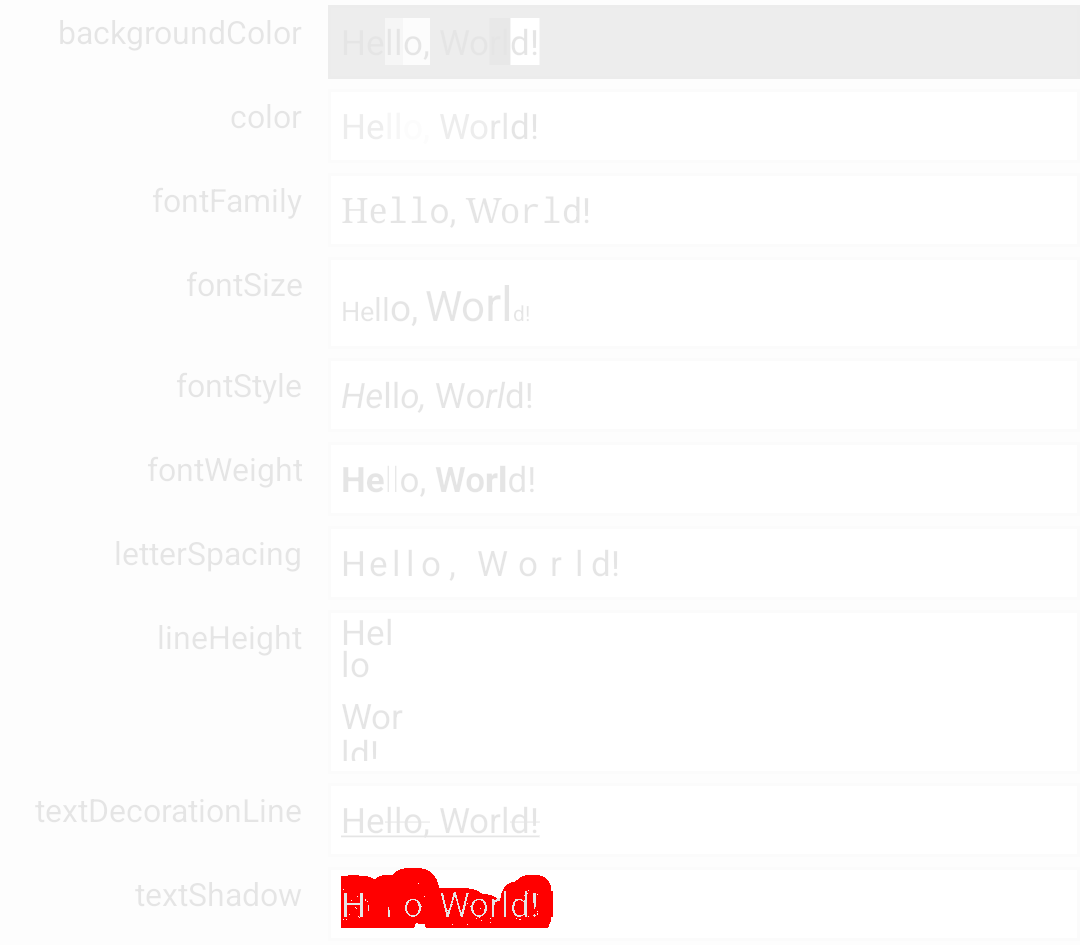
Expected and Captured
| Expected | Captured |
|---|---|
 |
 |
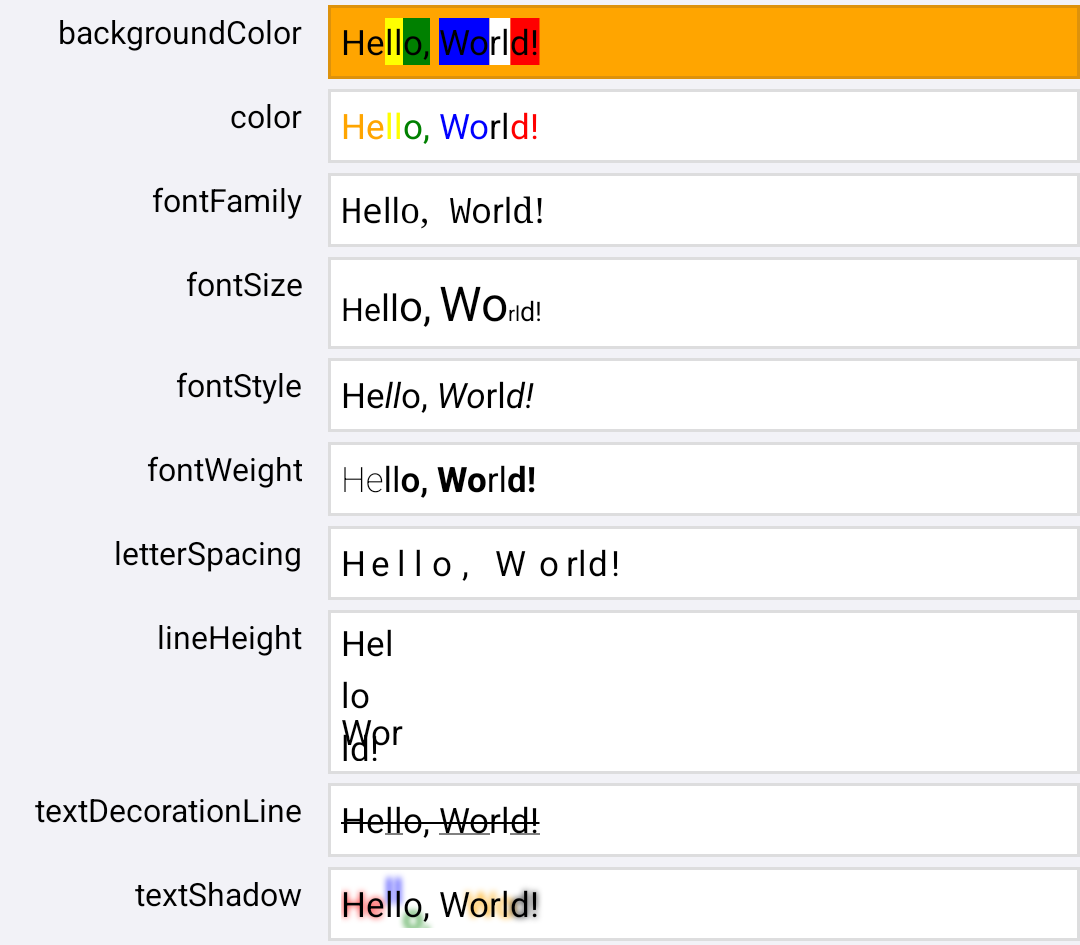
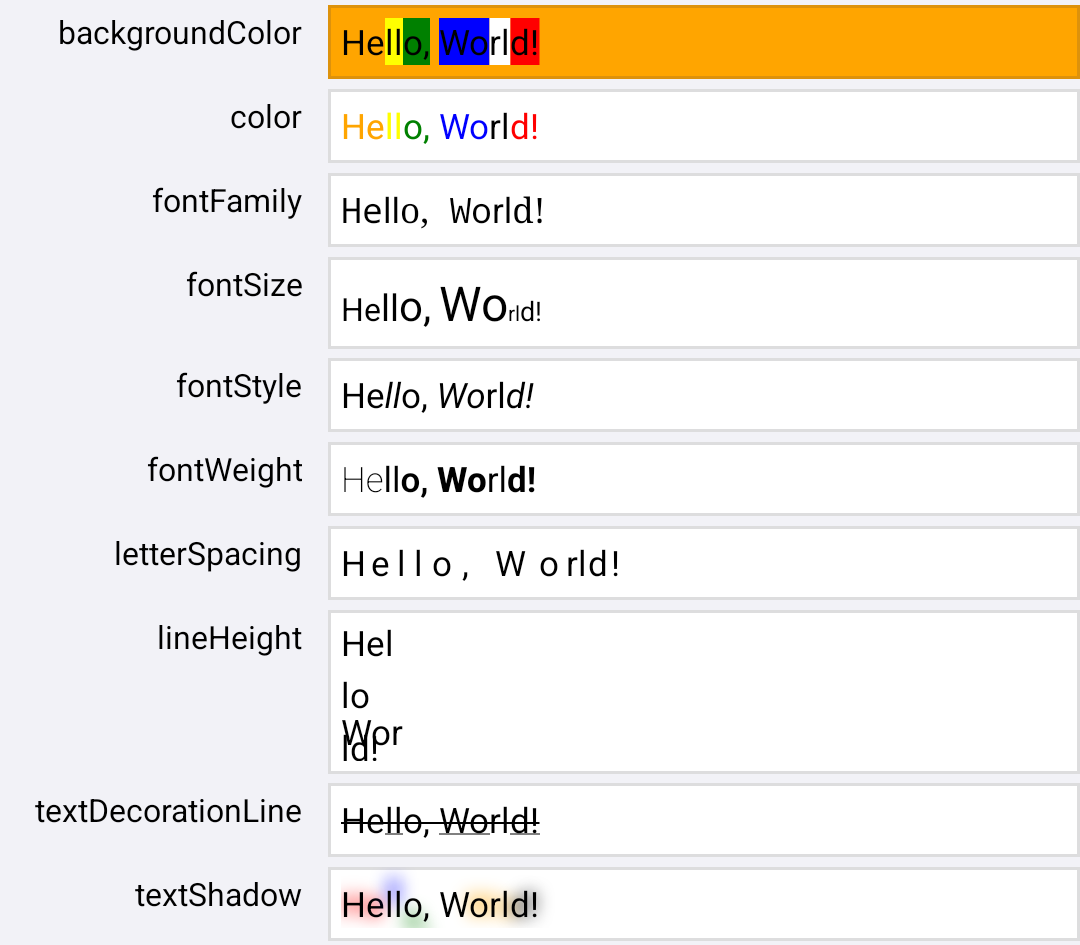
android text-input/text-styles/cycle-3: Changed, 9527 px (0.933%)
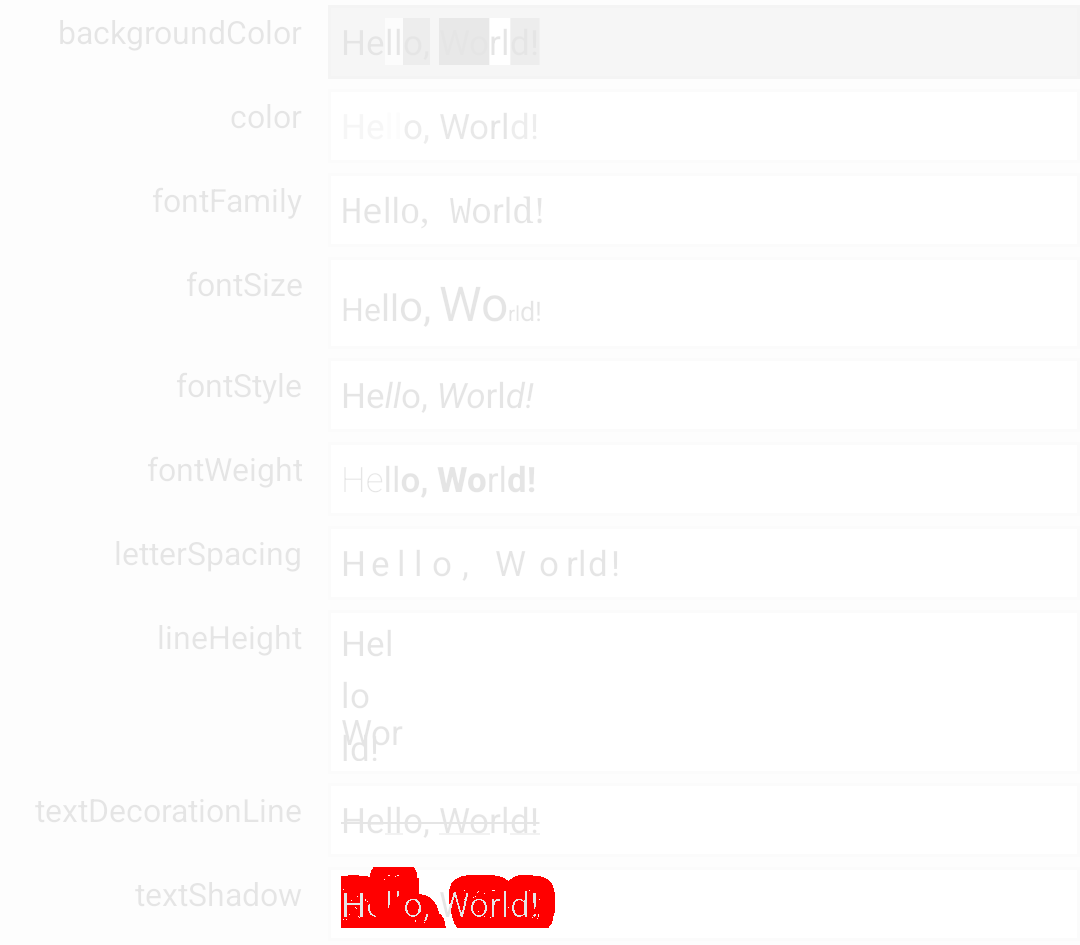
Expected and Captured
| Expected | Captured |
|---|---|
 |
 |
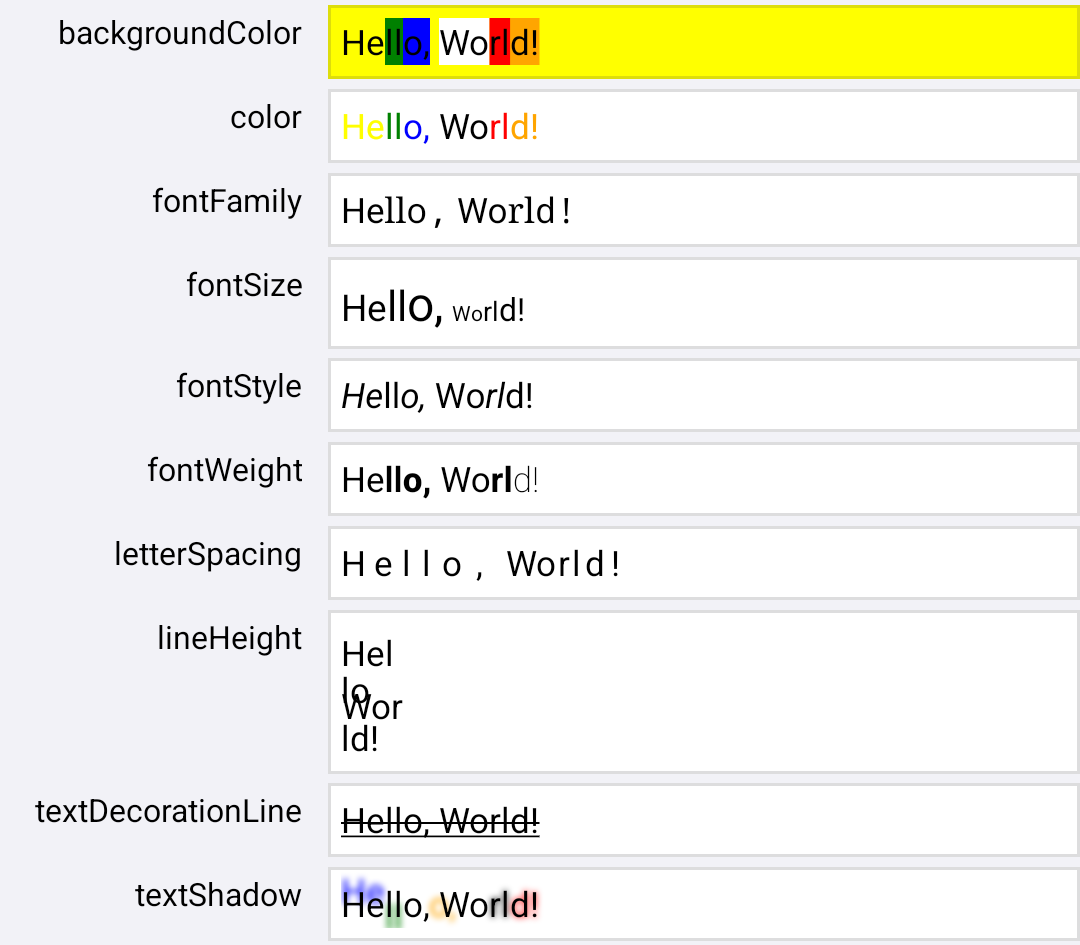
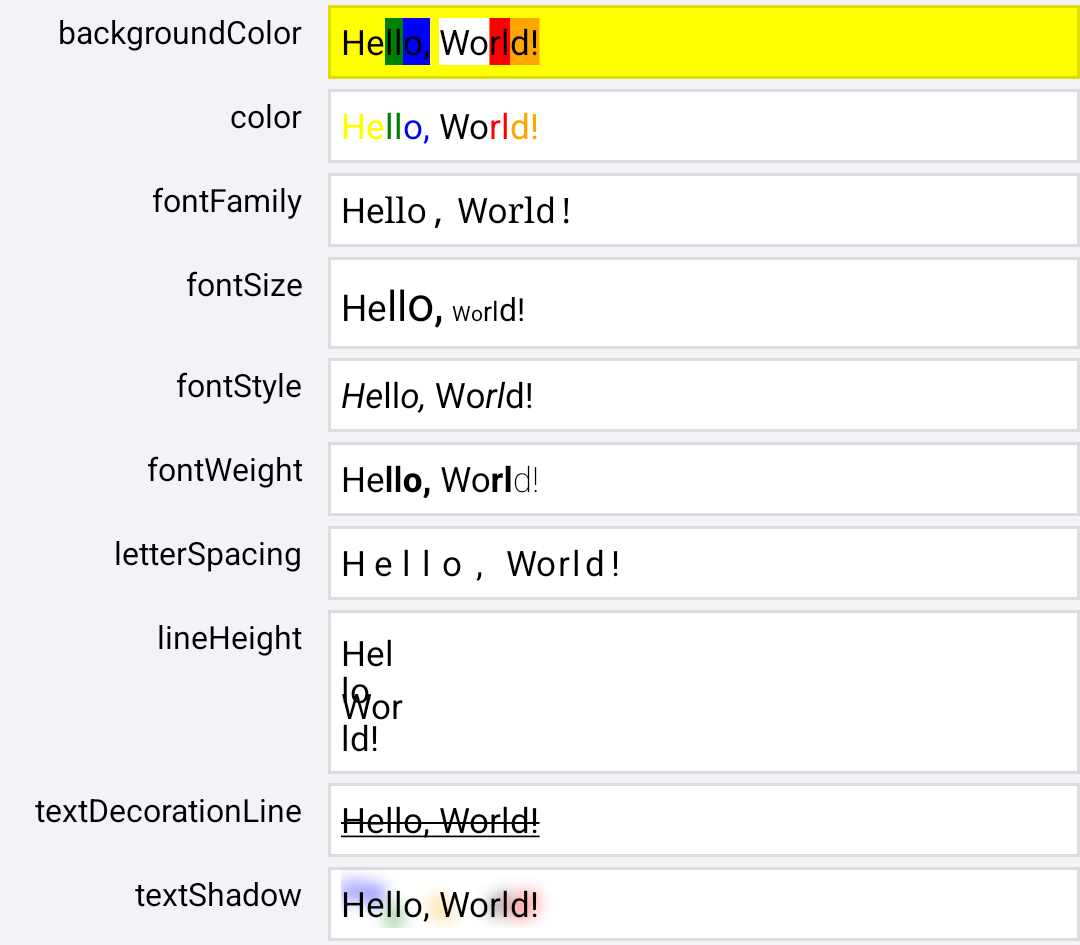
android text-input/text-styles/cycle-4: Changed, 9326 px (0.914%)
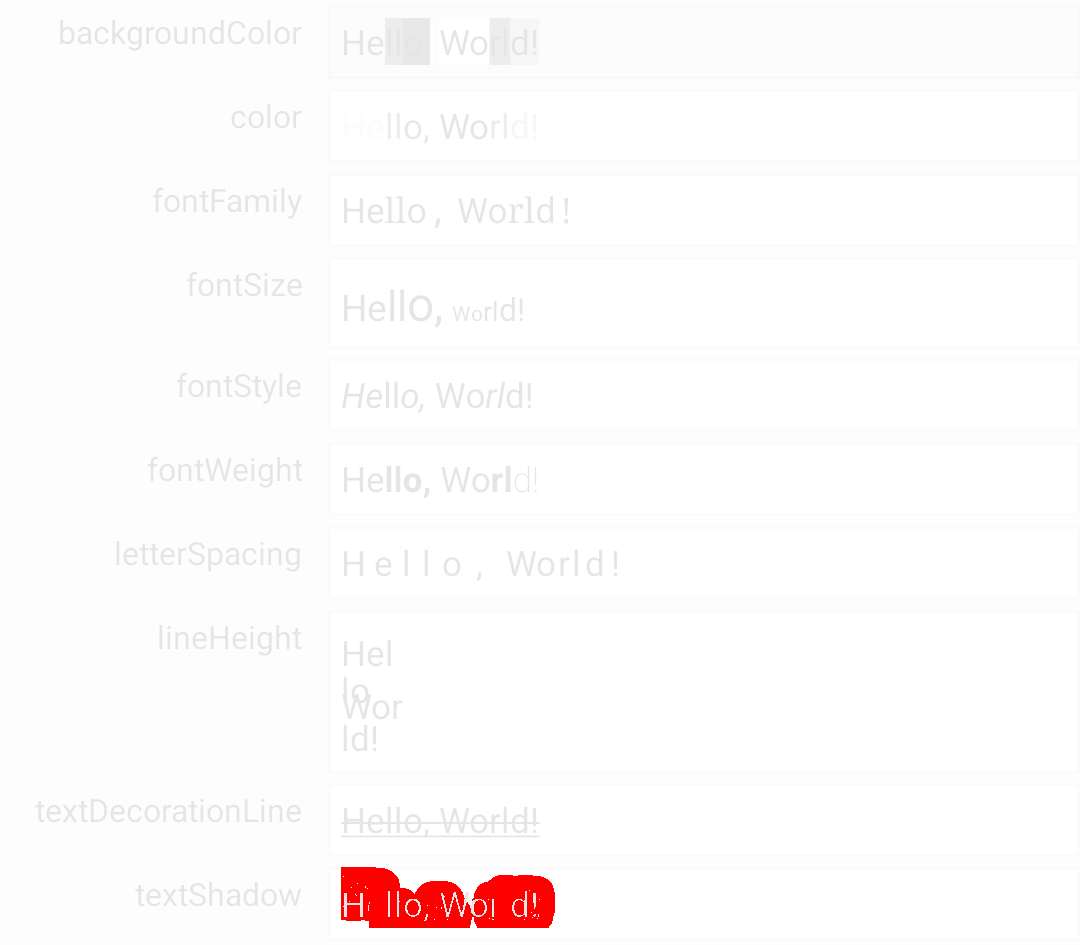
Expected and Captured
| Expected | Captured |
|---|---|
 |
 |
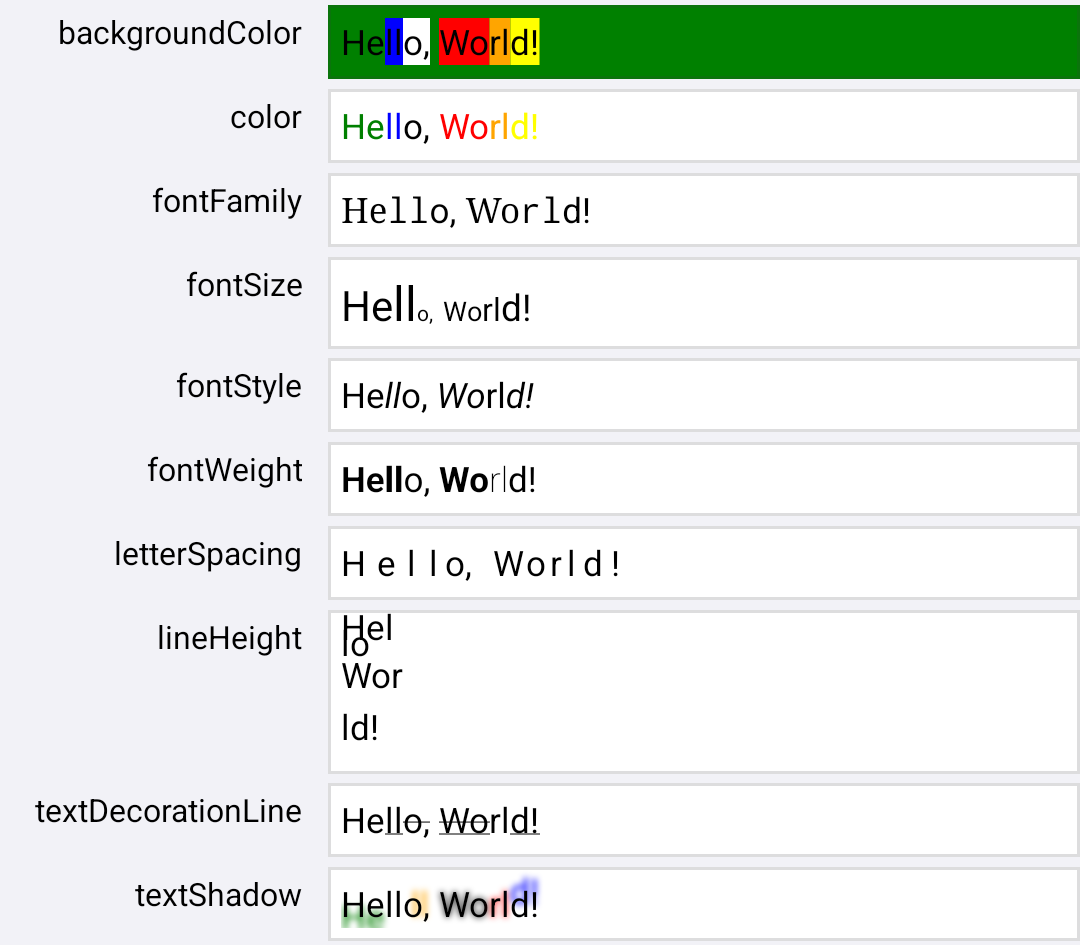
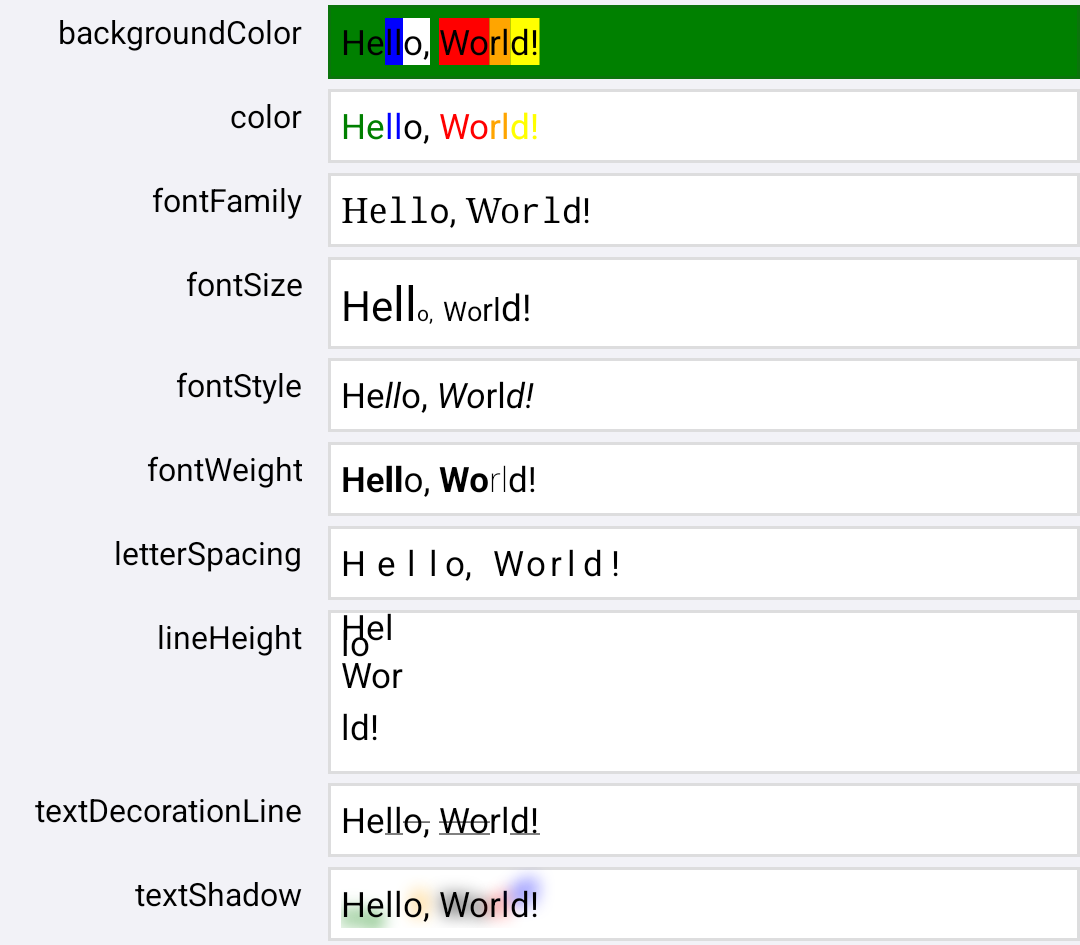
android text-input/text-styles/cycle-5: Changed, 9436 px (0.925%)
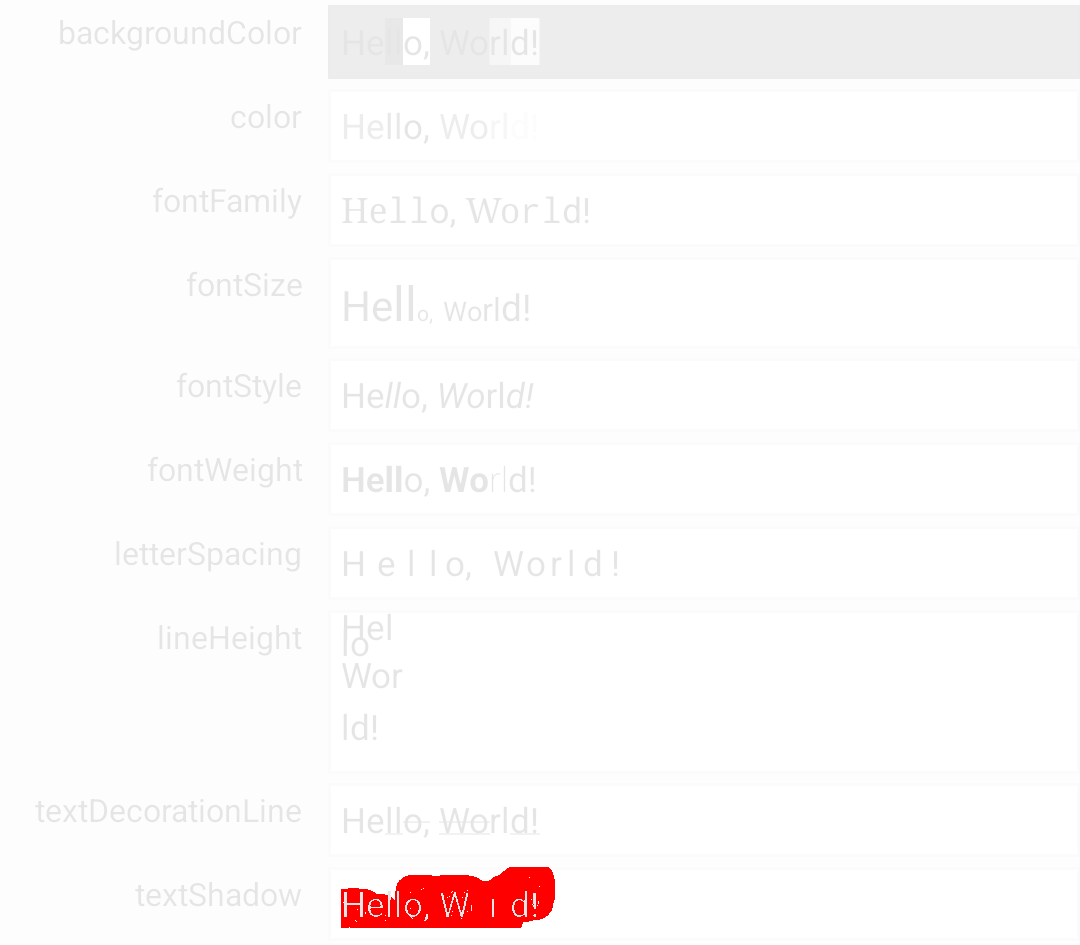
Expected and Captured
| Expected | Captured |
|---|---|
 |
 |
android text-input/text-styles/cycle-6: Changed, 9478 px (0.929%)
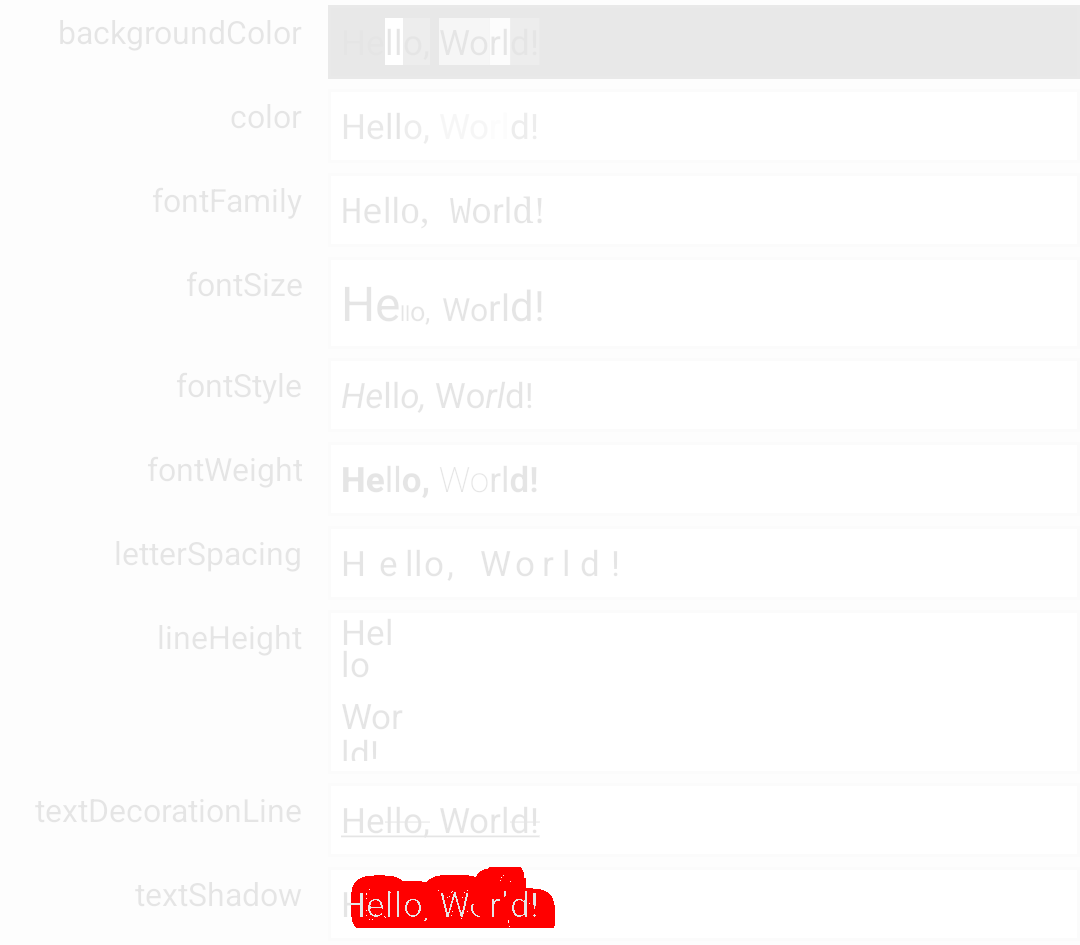
Expected and Captured
| Expected | Captured |
|---|---|
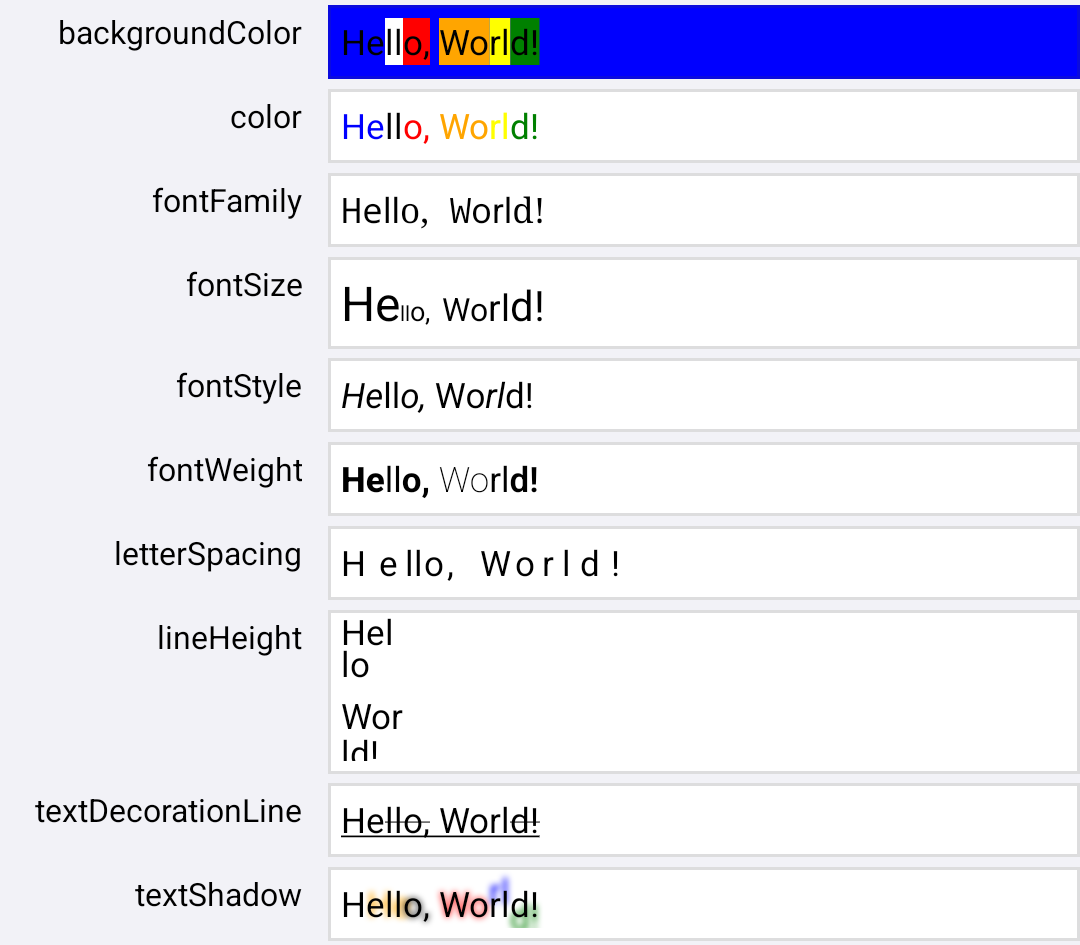 |
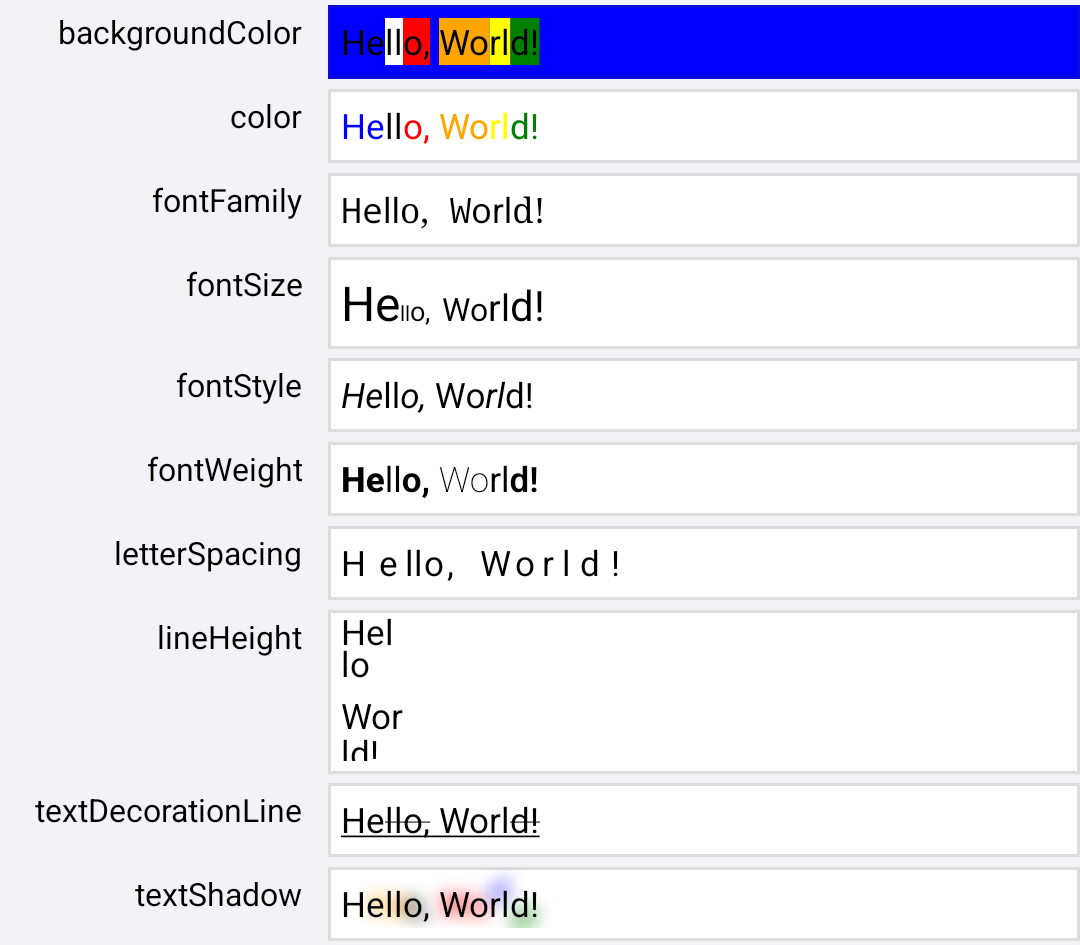 |
This branch has not been deployed
This file contains hidden or bidirectional Unicode text that may be interpreted or compiled differently than what appears below. To review, open the file in an editor that reveals hidden Unicode characters.
Learn more about bidirectional Unicode characters
Sign up for free
to join this conversation on GitHub.
Already have an account?
Sign in to comment

Add this suggestion to a batch that can be applied as a single commit.This suggestion is invalid because no changes were made to the code.Suggestions cannot be applied while the pull request is closed.Suggestions cannot be applied while viewing a subset of changes.Only one suggestion per line can be applied in a batch.Add this suggestion to a batch that can be applied as a single commit.Applying suggestions on deleted lines is not supported.You must change the existing code in this line in order to create a valid suggestion.Outdated suggestions cannot be applied.This suggestion has been applied or marked resolved.Suggestions cannot be applied from pending reviews.Suggestions cannot be applied on multi-line comments.Suggestions cannot be applied while the pull request is queued to merge.Suggestion cannot be applied right now. Please check back later.
Summary:
Fixes #60280.
On Android, a
Text'stextShadowRadiusreachedPaint.setShadowLayerin pixels, whiletextShadowOffsetis converted from dp. The blur therefore did not grow with the screen density: on a 3x screen,textShadowRadius: 8blurred by about a third of its reach in dp. iOS passes the radius toNSShadow.shadowBlurRadiusin points.Also,
textShadowRadius: 0with a non-zerotextShadowOffsetdrew no shadow at all, becausesetShadowLayerremoves the shadow layer when the radius is 0. iOS draws a sharp shadow there.This change:
textShadowRadiusfrom dp inTextAttributeProps, liketextShadowOffset. This coversTextandTextInput, which share the span-building path.setShadowLayerinShadowStyleSpanwhen the radius is 0, so the offset shadow is drawn sharp instead of being removed.ShadowStyleSpanis only added when the offset or the radius is non-zero, so text without a shadow is unaffected.At 160 dpi, where a dp is a pixel, the radius is unchanged. On higher densities, existing blurs get wider, so this changes how existing text shadows look on Android. They now match iOS and the dp values used everywhere else.
Changelog:
[ANDROID] [CHANGED] -
textShadowRadiusis now in dp, liketextShadowOffset, andtextShadowRadius: 0with an offset draws a sharp shadow instead of noneTest Plan:
Unit tests (Robolectric):
133 tests, 0 failures. New tests:
TextAttributePropsTest.mapBufferConvertsTextShadowRadiusFromDIP: radius 8 at density 2 becomes 16 px, next to the offsets.ShadowStyleSpanTest: radius 0 with an offset keeps a positive shadow layer radius on the paint, and a positive radius is passed through.yarn format-check-kotlinpasses.Manual: RNTester on an Android 15 emulator (Pixel 8, 420 dpi), Playground with black 36 pt
Texts and aTextInput,textShadowColor: '#ff0000':textShadowOffset: {width: 0, height: 0},textShadowRadius: 8textShadowOffset: {width: 4, height: 4},textShadowRadius: 0textShadowOffset: {width: 4, height: 4},textShadowRadius: 1TextInputwithtextShadowOffset: {width: 0, height: 0},textShadowRadius: 8Before: the radius-0 text has no shadow, and the radius-8 blur is about 3 px wide. After: the radius-0 text has a sharp offset shadow, and the radius-8 blur scales with the density, in both
TextandTextInput.Not checked: a real device, and the 160 dpi case (where nothing should change).